

[Version]: Update the latest version of the store v2023.10.17.6 on October 0, 1
[Update]: Fix the update content, please see the release notes below for details
Name: LightningLauncher
[Type]: Tool, Launcher, Free Download
[Platform]: Quest, Quest 2, Quest 3, Quest Pro (all-in-one version).
[Online]: Offline alone
Size: 8.9MB
[Refresh]: 90Hz
[Language]: English
【Description】:
About this game
This is the official project free download address, if you can’t open it you need the scientific network :https://github.com/threethan/LightningLauncher/releases/tag/2.1.1
If you can’t download it in the official project, you can download the integrated version at the bottom to install it
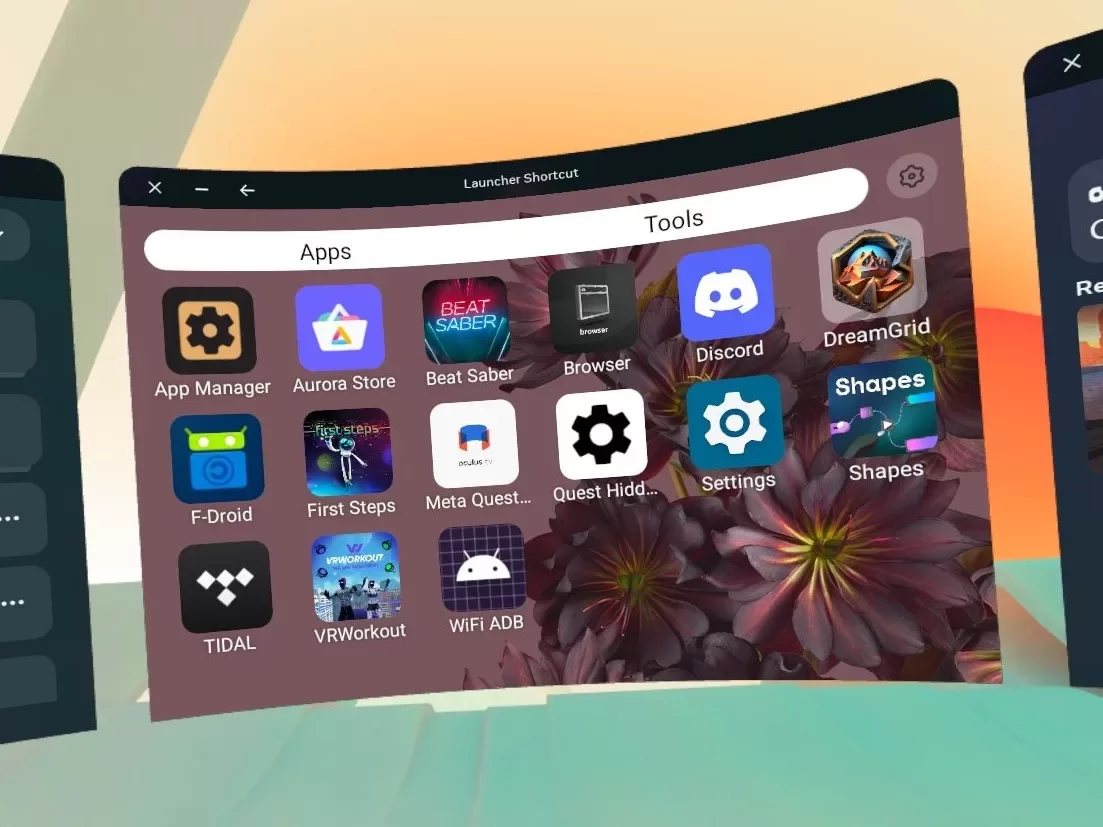
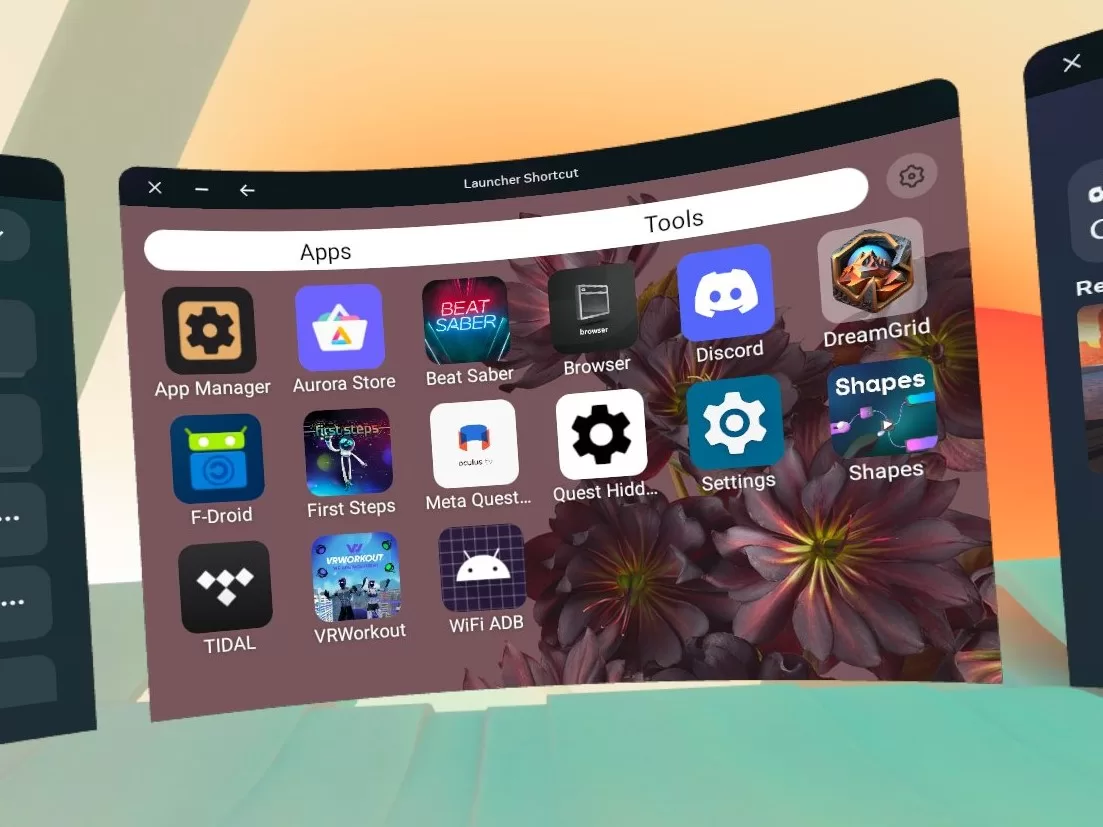
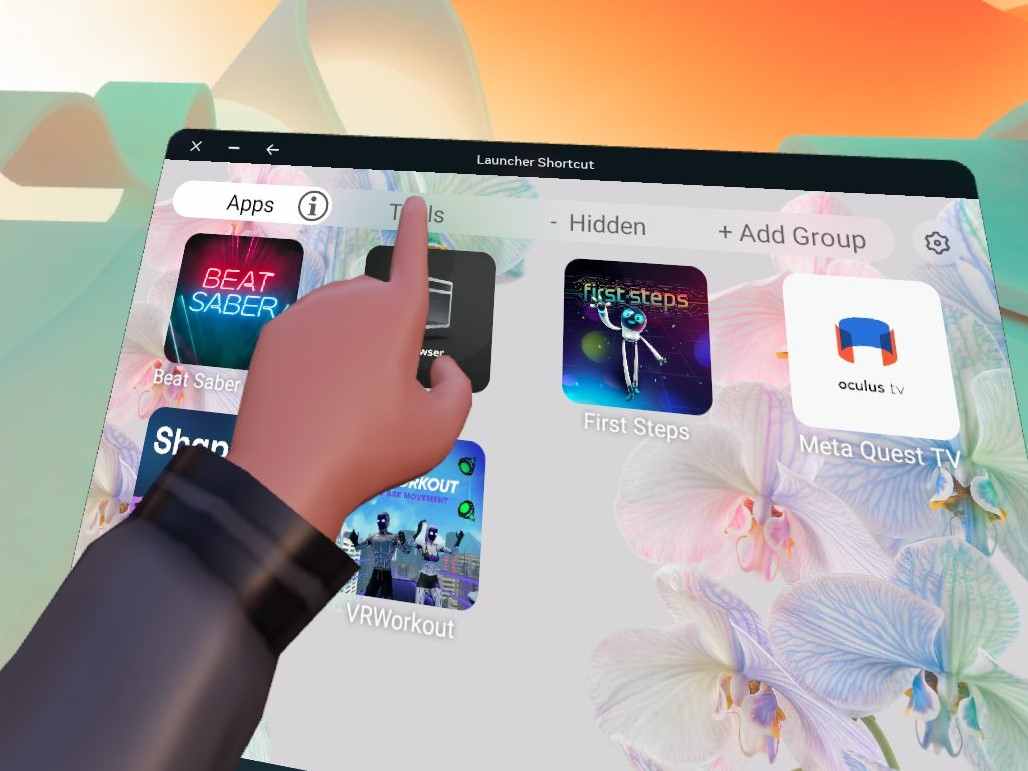
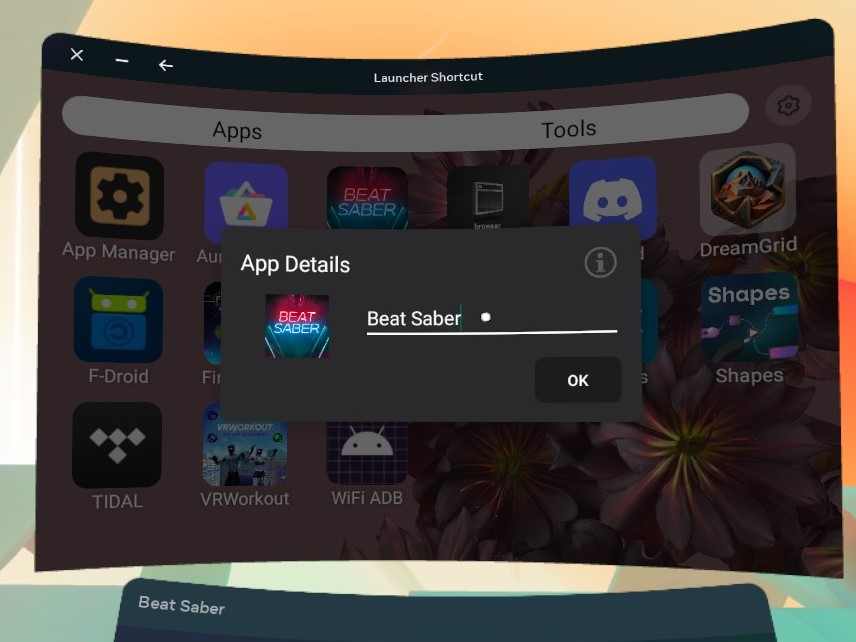
LightningLauncher is a launcher designed for Oculus Quest that supports both official and sideloaded apps and games.
It’s built with a focus on speed, reliability, and convenience.
Unlike other launchers, it opens the application as a separate window. This allows VR applications to be opened on the latest version of the Quest operating system! You can also drag the window to the slot on either side and open the launcher again to perform multitasking with ease.
Option 1 – Express Service
- Turn on the Lightning Launcher
- Click the settings gear in the upper right corner and select “Shortcut Services”
- Click Lightning Launcher in the list
- Turn on the switch to enable the service
Now, when you hover your cursor over the library icon for about half a second, LightningLauncher will open. This works even in-game!
This will make the default app launcher difficult to open, but not impossible. You can disable the service as you enable it.
Option 2 – Shortcut icon
- If Facebook Messenger is already installed, uninstall it.
- Install LauncherRedirect.
- Find “Messenger” on the app screen. Select the three dots, and then select Pin to Common Menu.
Now you can open LightningLauncher from anywhere using the Messenger icon on your dock – even in-game!
==============================
Version updates
New features
? Websites in the launcher – Enable edit mode and select “Add Site”
in the lower right corner – Websites will automatically get labels and icons, but both can be customized to suit your needs – Websites are launched in a custom browser and will continue to run in the background when hidden
– Background websites can be easily reopened or stopped from the launcher
– Full support for background audio and recording! Enjoy web versions like Discord, Spotify, and more!
⚡ Faster loading – After opening once, the launcher will remain loaded in low-priority background services – it still takes 3-5 seconds to load on cold start, but now once the service is active, it takes less than 1 second to load
– all app icons are now compressed and cached, so they should load faster
⭐ Starred apps and groups – Starred apps and groups will move to the front of the list for easier access
– if you choose to hide the top bar without using groups, starring your favorite apps is a good option
✏️ Improved user experience – Toggle edit using B – Buttons to select/deselect all or bulk uninstall while editing – Larger window size when opening from updated shortcut apk
– Updater now works every time, but you can correctly ignore updates to the settings page if you wish
?️ Fix
- VR apps launched via the launcher will no longer crash after being paused!
- The alphabetical order of applications now follows the custom application name
- The updater is now more consistent and allows for deferring updates
- Supported applications are instrumented programmatically and require fewer manual changes
Known issues
- When the device is paused, the music of some websites will be paused and must be resumed manually by reopening the page
- YouTube can’t play in the background
- Tidal HiFi not working (320kbps works, Spotify works too)
Please report any other issues you may be experiencing.
Optional Shortcuts APK has been updated in this version and is not updated automatically
PS: Refresh the page after the comment, then you can download this game for free for life
- $Download for freeDownload after commentDownload after login
- {{attr.name}}:
⚖️ Copyright Notice
If any game resources published on this site infringe upon your legal rights, please contact the administrator to remove the VRGoo website, Site resources are uploaded by users for personal study or testing, research, and use. Without permission from the original copyright author, use in any commercial channels is prohibited!
The resources on this site come from the internet; copyright disputes are unrelated to this site. You must completely delete the above content from your computer or other device within 24 hours of downloading. The user's statement that "does not represent the position of this site" has no relation to the site!
This site is a non-profit site. The VIP features are only for users to like the site, donate and reward, and provide technical assistance services. All content is not commercial activity.
If there is any infringement, please contact: vrgoo.org@gmail.com We will remove the product


great
thank.
Tai lai
Nice
Thanks vrgoo
thanks
gracias
cool
Это круто
Спасибо
Oooooo
for
lol
Ok
очень полезно
спасибо
thanks
wow great
Sgg
cool
y
Gb
1
yjhv
Хочу. Спасибо! 8)