
[Version]: May 11, 2025
Update the latest version v131.131
[Update]: Fixes and updates, please see the version notes below for details
[Name]: Channel Player
[Genre]: Video, tool, player, free download
[Platform]: Quest 2, Quest Pro, Quest 3, Quest 3S (all-in-one version)
[Size]: 116MB
[Refresh rate]: 90Hz
[Language]: Japanese, English
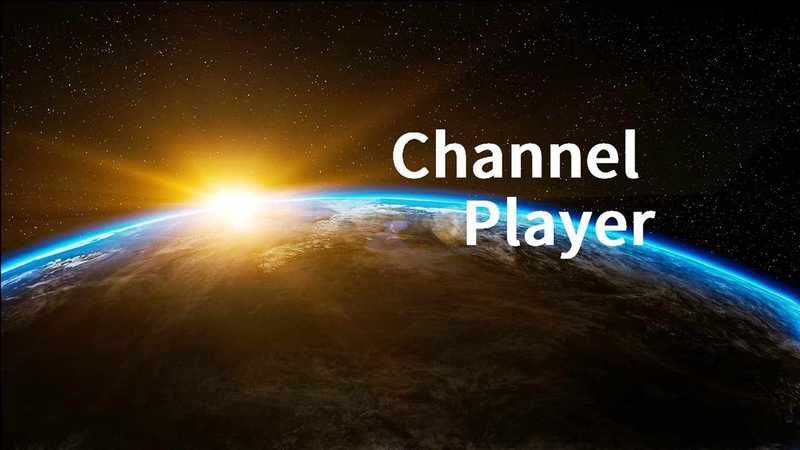
The channel player has two scenes.
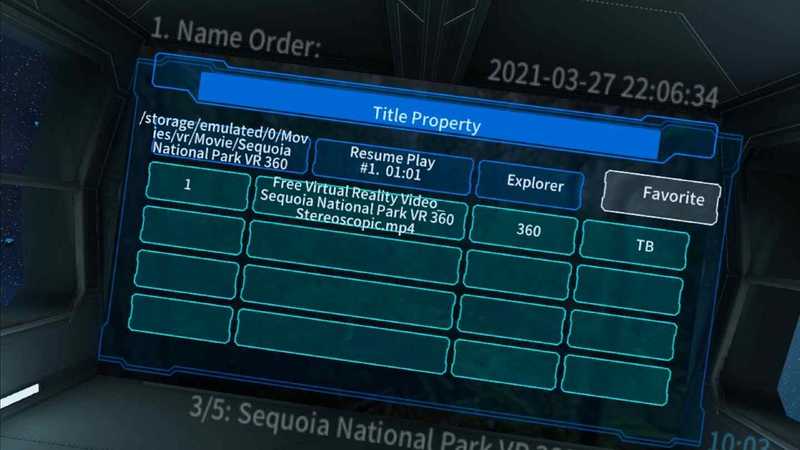
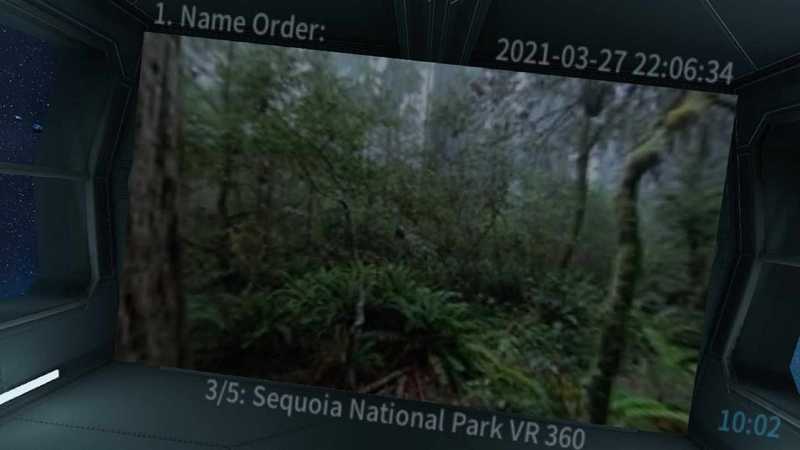
– Play title selection screen in Spacecraft Theater.
Use the left and right sticks and triggers to display additional titles. For folders that only hold still images or comic books (zip, cbz), they appear the same as folders that hold videos. There’s no need to sort things by name or time, they’re listed ahead of time. It also has favorites, history features and unplayed title display.
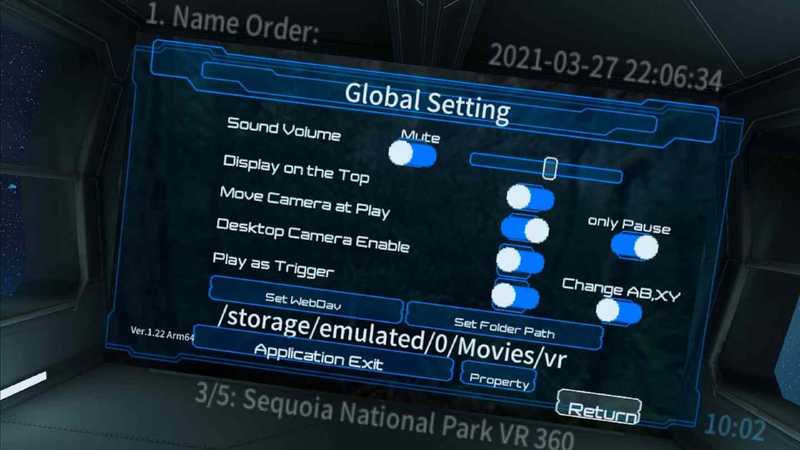
– during a play in outer space.
You can use the left and right joysticks to intuitively adjust the movement of the camera viewpoint during video playback. The AB keys are used to start and end playback, and the trigger is to change the playback position, so it can be operated with one action. You don’t need to point a laser at small buttons on the screen to operate the app. During video playback, there is a direct jump and a setting option that allows you to move the camera only during pauses.
Preview video
Buy genuine
————————————————
Version update
2022-10-12 1.31
Bug Fixes Fixed an issue where the screen would go black when starting to play a static image. This was a bug in version 1.30 when 3D still images were supported, zip files were fine.
2022-10-11 1.30
Function added
Supports 3D static image (180/LR, FishEye180/LR) drawing
Added the ability to reset video/still image format to 2D/mono on the left side of the radial menu during playback, or to 180/LR if currently set to 2D/mono.
Specification changes
When the camera’s orientation or position changes, the volume changes based on distance from the screen.
The play, pause, and stop icons now disappear after a few seconds instead of remaining displayed.
Fixed an issue where an error could be displayed when loading if a video or still image was not found when setting up a folder.
Task version
Faster linear conversion of still image gamma
Android target SDK 27 to 29.
bug fixes
Improved response to starting playback from the theater screen.
In the case of English display, the “Application Exit” symbol in the settings dialog box changes to the “Exit” symbol.
When capturing, it fires continuously based on how long the trigger is pulled, so it’s adjusted to only fire once.
Fixed a bug where files would not play correctly if they were initiated from the Properties dialog on the theater screen using a trigger.
Fixed a bug where the left trigger of the properties screen would go back 10 seconds during playback.
In the mission version, the B key in the properties dialog box during the game is Enter, so change it to the A key.
————————————————
- $Download for freeDownload after commentDownload after login
- {{attr.name}}:
⚖️ Copyright Notice
If any game resources published on this site infringe upon your legal rights, please contact the administrator to remove the VRGoo website, Site resources are uploaded by users for personal study or testing, research, and use. Without permission from the original copyright author, use in any commercial channels is prohibited!
The resources on this site come from the internet; copyright disputes are unrelated to this site. You must completely delete the above content from your computer or other device within 24 hours of downloading. The user's statement that "does not represent the position of this site" has no relation to the site!
This site is a non-profit site. The VIP features are only for users to like the site, donate and reward, and provide technical assistance services. All content is not commercial activity.
If there is any infringement, please contact: vrgoo.org@gmail.com We will remove the product