

[Version]: July 2, 2025
Update the latest version of the store v28.0.4.36
[Update]: Fixes and updates, please see the version notes below for details
[Name]: Spatial Phone: Mirror & Control
[Genre]: Video, practical, tools, screencasting, free download
[Platform]: Quest 2, Quest Pro, Quest 3, Quest 3S (all-in-one version)
[Online]: Internet required
[Size]: 74MB
[Refresh rate]: 90Hz
[Language]: English
🔹 High resolution passthrough
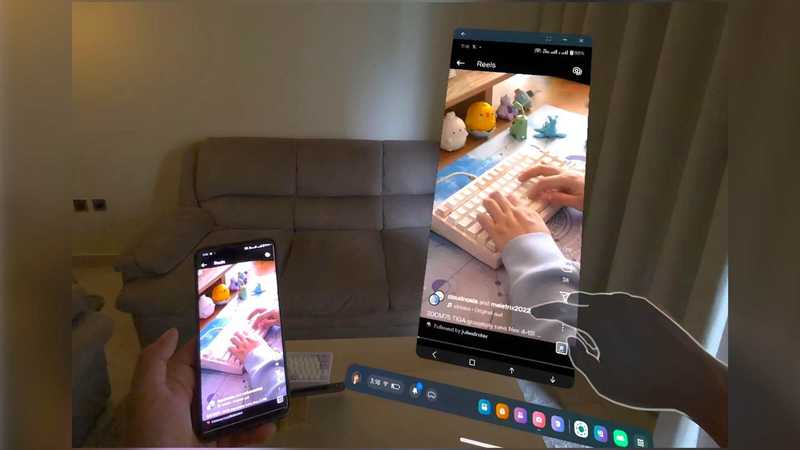
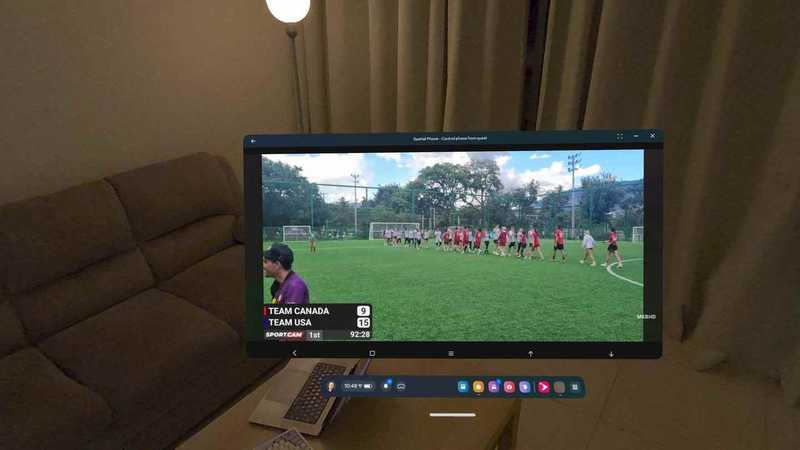
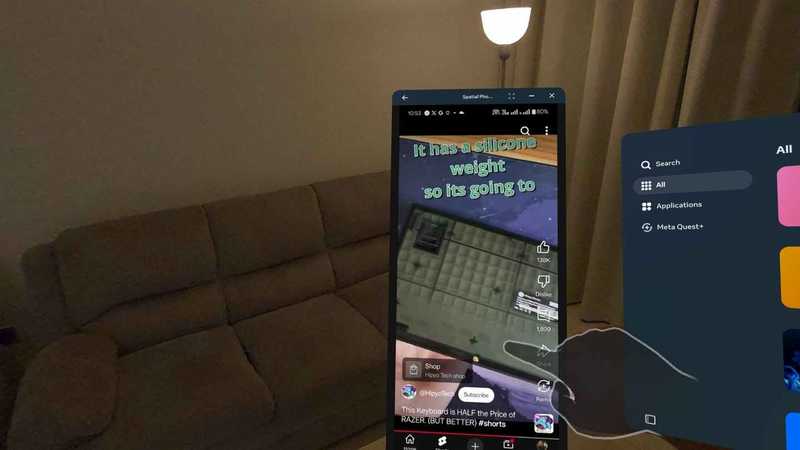
Enjoy the crystal-clear visuals of your Android device with extremely low latency (40ms-90ms) in your Meta Quest headset
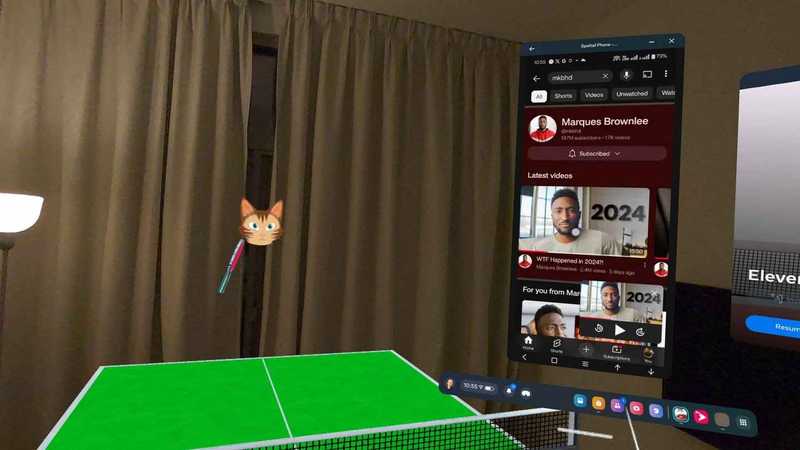
🔹 Can be used with other apps/games
This app can be used with other apps/games in the background
🔹 Use gestures and controllers for total control
Navigate and interact with your Android device using gestures or the Meta Quest controller.
🔹Stereo audio support
High-quality stereo audio with good studio-quality bitrate
🔹 Easy to connect
Connect to the same network or internet without any custom settings
🔹 Secure peer-to-peer connection
With an end-to-end peer-to-peer connection, your data remains private. No additional data is collected or stored.
Requirements: Currently only supports Android OS 8 and above
Preview video
————————————————
Instructions for use
The use of this application requires two APKs, one is the receiving end of the Quest device, and the other is the transmitting end of the Android phone. The projected images are accompanied by audio, and the WIFI network between your phone and the Quest headset needs to be connected to a router. Now will explain how to use it:
Install the Android version on your Android phone, then open it and click Cast at the bottom. You will be asked whether to allow recording permission. Click OK and wait.
Install the Quest version of the Quest headset and open it, and it will automatically scan. If the scan is successful, the device will be displayed. Click to cast. If not, you need to manually enter the pairing code.
In addition, you can also install the Quest version to your mobile phone and the Android mobile version to the Quest headset. In this way, if you install it in reverse, you can project the Quest screen to the Android phone with audio.
The latest version of the Android mobile client is the download address:
https://play.google.com/store/apps/details?id=com.butterchicken.spatialphonexr
————————————————
Quest headset version
1
Android mobile version – old version
2
- $Download for freeDownload after commentDownload after login
- {{attr.name}}:
⚖️ Copyright Notice
If any game resources published on this site infringe upon your legal rights, please contact the administrator to remove the VRGoo website, Site resources are uploaded by users for personal study or testing, research, and use. Without permission from the original copyright author, use in any commercial channels is prohibited!
The resources on this site come from the internet; copyright disputes are unrelated to this site. You must completely delete the above content from your computer or other device within 24 hours of downloading. The user's statement that "does not represent the position of this site" has no relation to the site!
This site is a non-profit site. The VIP features are only for users to like the site, donate and reward, and provide technical assistance services. All content is not commercial activity.
If there is any infringement, please contact: vrgoo.org@gmail.com We will remove the product