

[Version]: July 4, 2025
Update the latest version of the store v1.34.2.0.10605
[Update]: Because many players said they could not connect, we have updated the article instructions and video display. Must-see instructions.
[Name]: Virtual Desktop
[Genre]: Tools, Streaming, Popular, Free Download
[Platform]: Quest 2, Quest Pro, Quest 3, Quest 3S (all-in-one version)
[Online]: Streaming requires turning on WIFI
[Size]: 980MB
[Refresh rate]: 90Hz
[Language]: English
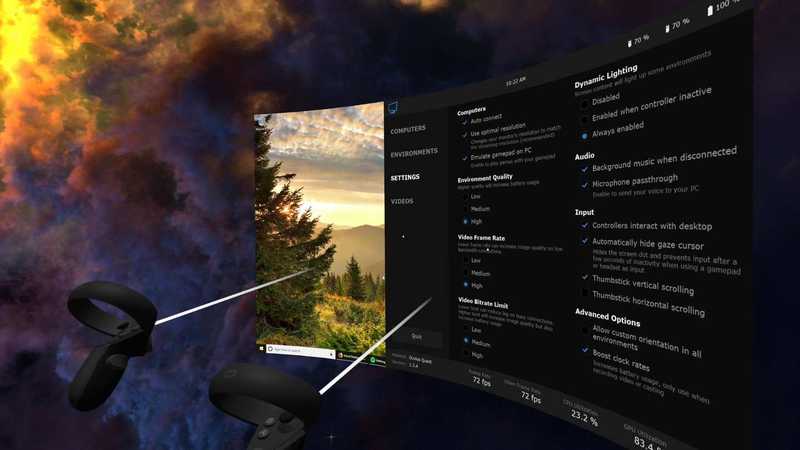
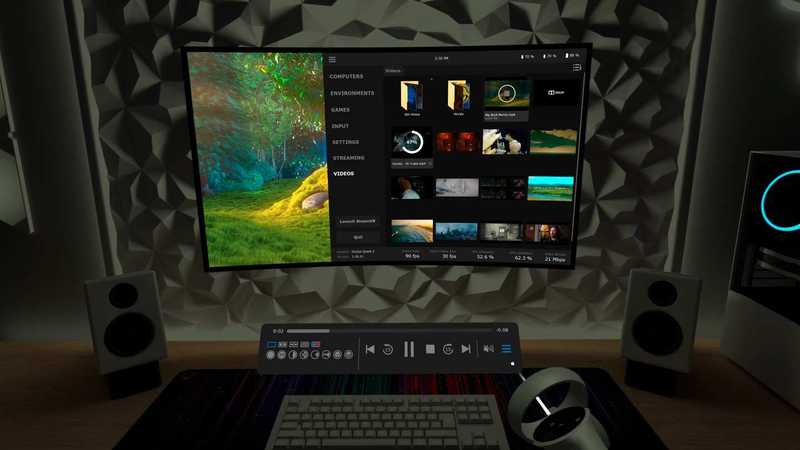
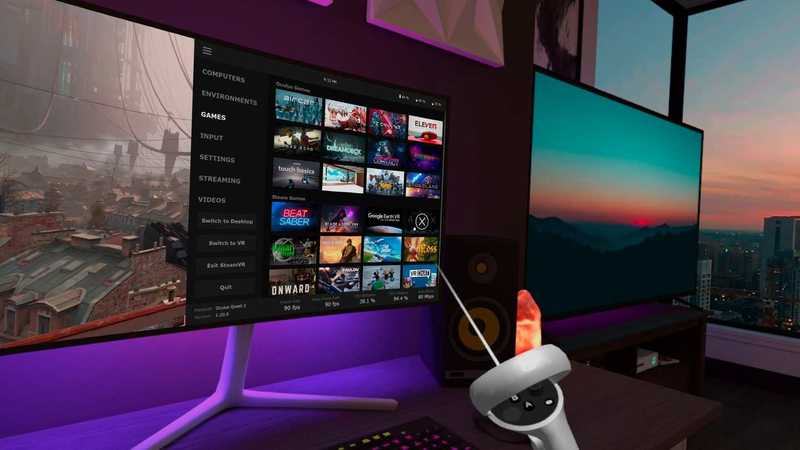
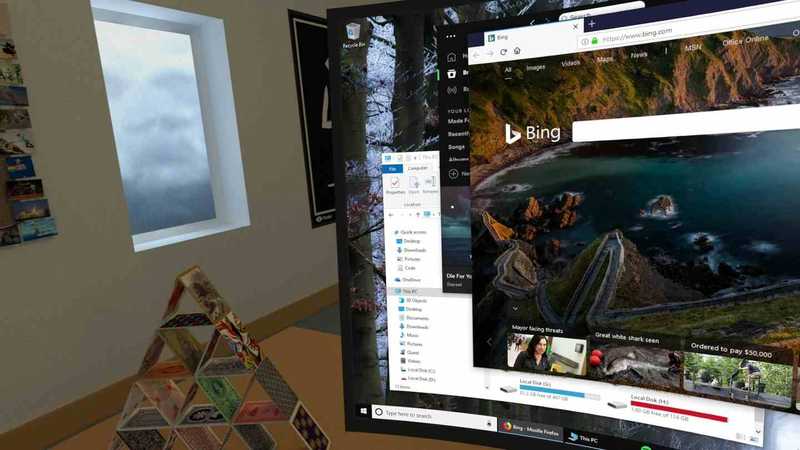
Connect wirelessly to your computer to watch movies, browse the web, play games on a giant virtual screen or stream PCVR games. Virtual Desktop is a highly optimized native application developed specifically for low-latency, high-quality streaming.
• Connect up to 4 computers and switch between them in seconds
• Video tab allows you to download or stream regular/180/360 videos directly from your computer
• Supports most PCs and laptops running Windows 10 or 11, macOS Mojave, or later
• PCVR game streaming requires a VR Ready PC running Windows 10 or 11
• Supports Bluetooth mice, keyboards and gamepads
• Supports 3D side-by-side/top-bottom content on screen
• Allows you to cycle through your monitors (if you have multiple physical monitors)
• Includes microphone pass-through option
• Supports remote connections over the Internet (enable UPnP on your router)
• The computer must be connected to a 5 GHz AC or AX router using an Ethernet cable
Preview video
Buy genuine
————————————————
Version update
Welcome to Virtual Desktop! If you encounter any issues, check out the FAQ at www.vrdesktop.net or contact us on Discord.
Changes in this version:
• Added 2-Pass encoding option using Nvidia GPUs (for 10-bit codecs) in the Options tab of the Streamer window
• Added bitrate fixed gaze point on 10-bit codecs using Nvidia GPUs (previously only available for H.264/H.264+)
• Added FOV tangent slider to the new Advanced tab of the Streamer window
• Added option to disable FOV template (only used when recording mirror view)
• Added headset charging status to menu and fixed in SteamVR
• Reverted recent HEVC 10-bit changes with AMD (which caused issues in some cases)
• Added Cmd+Q shortcut to exit Streamer on macOS
• Added the ability to rotate displays in VR using macOS Sequoia
• Into the Radius on Steam will now use the Oculus runtime by default
Installation instructions
Due to the forced update issue of the VD PC version, many players were able to stream before, but after the PC version was forced to update, they were unable to stream. Although you can manually delete the update program in the VD PC version to prevent it, there are still players who can’t. Now you can download this collection version.
Uninstall the VD PC version on the computer first, and the VD all-in-one version on the all-in-one machine as well.
First install the Quest all-in-one version, and then install the computer version of VD on the computer. After the installation is completed, the computer settings user name is saved, and then the icon of the computer VD is yellow, indicating that it can be connected. If it is gray, you need to check your computer network and firewall. If the computer version of VD is gray, enter
C:\Windows\System32\drivers\etc
Notepad editing
hosts
Just delete all the contents about blocking VD updates in the file and save it. At this time, VD will turn yellow.
[Must see]
This is a video display. It is a must-see real device test video that says the connection cannot be made. You can preview it online or download it to watch:
https://pan./s/rNAOs7
█
Computer operation
1. After decompressing, first
PC version of VD.exe
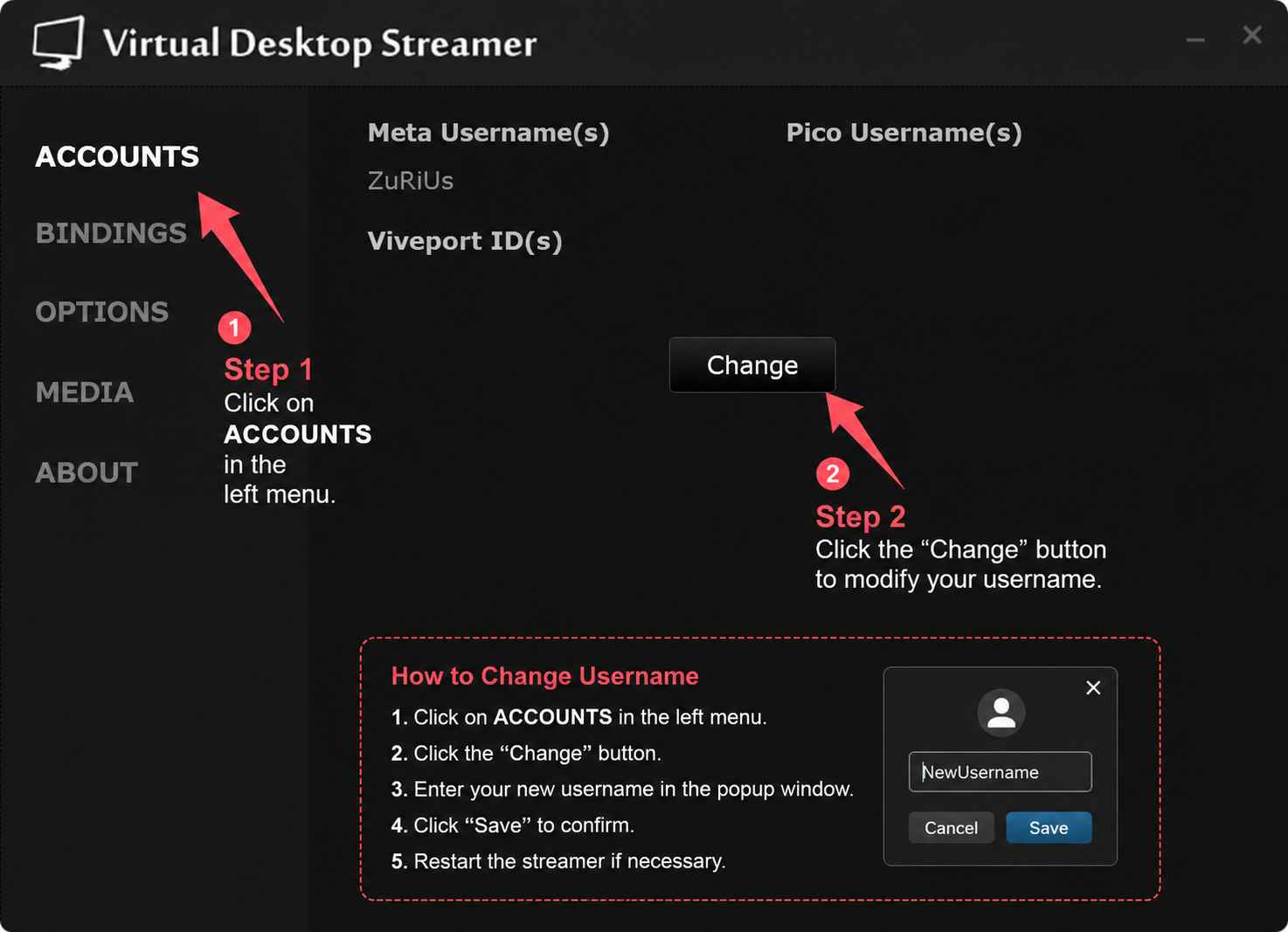
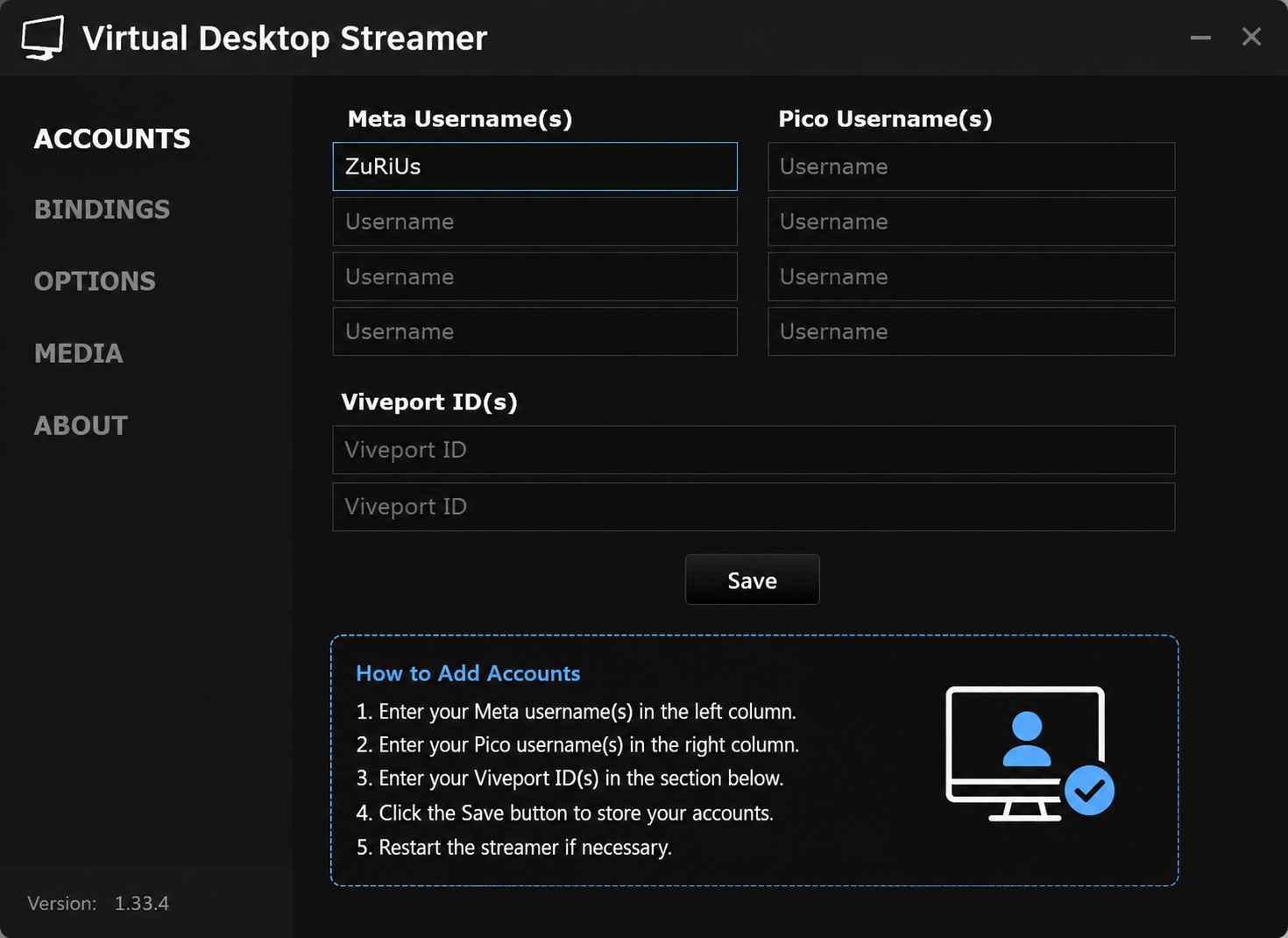
Install to your computer and open, create and enter a username, required
ZuRiUs
, this is because stream recognition requires this username:
3. After completing the above operations, open the VD software in the all-in-one machine. After a few minutes, you can see and connect to the computer, and you can happily stream and play computer games! ! ! !
————————————————
PS: Refresh the webpage after commenting, and then you can download this application tool for free on for life.

- $Download for freeDownload after commentDownload after login
- {{attr.name}}:
⚖️ Copyright Notice
If any game resources published on this site infringe upon your legal rights, please contact the administrator to remove the VRGoo website, Site resources are uploaded by users for personal study or testing, research, and use. Without permission from the original copyright author, use in any commercial channels is prohibited!
The resources on this site come from the internet; copyright disputes are unrelated to this site. You must completely delete the above content from your computer or other device within 24 hours of downloading. The user's statement that "does not represent the position of this site" has no relation to the site!
This site is a non-profit site. The VIP features are only for users to like the site, donate and reward, and provide technical assistance services. All content is not commercial activity.
If there is any infringement, please contact: vrgoo.org@gmail.com We will remove the product