[Version]: February 5, 2026
Update the store to the latest version vB0106.106
[Update]: Fixes and updates, please see the version notes below for details
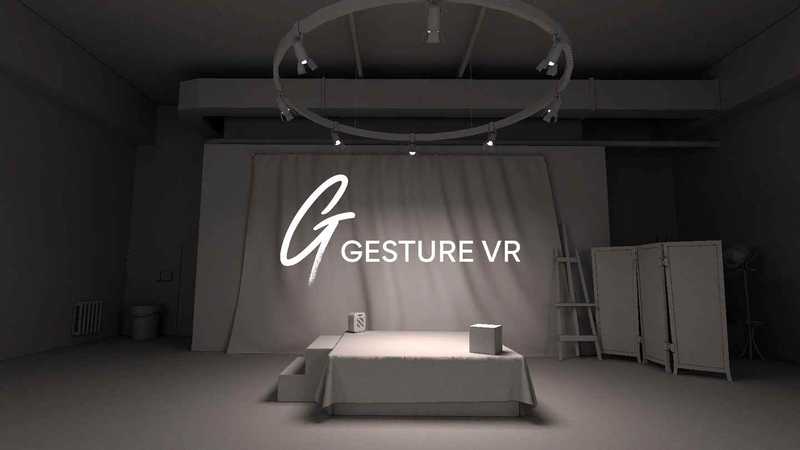
[Name]: Gesture VR
[Genre]: painting, fun, art, simulation
[Platform]: Quest 2, Quest Pro, Quest 3, Quest 3S (all-in-one version)
[Online]: Standalone offline
[Size]: 511MB
[Refresh rate]: 90Hz
[Language]: English
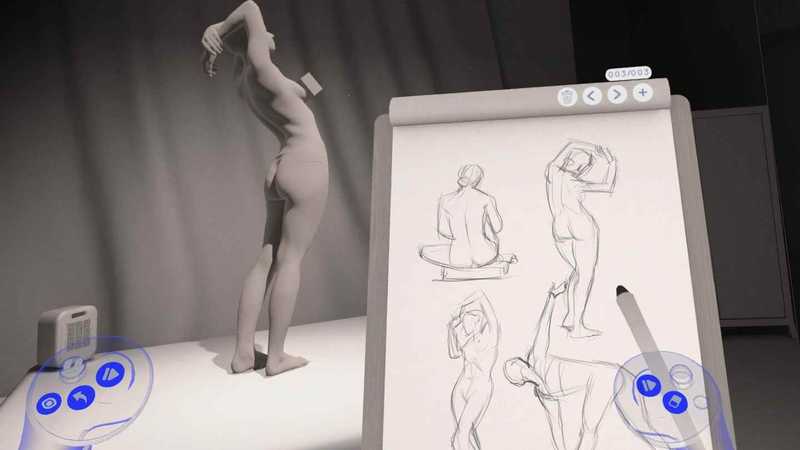
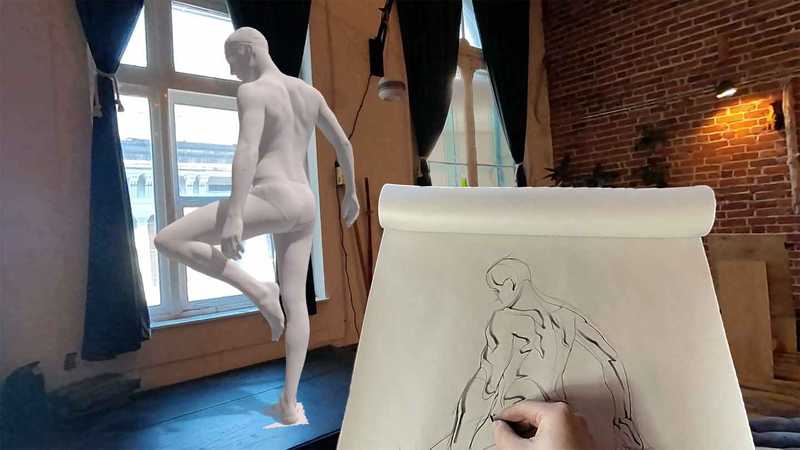
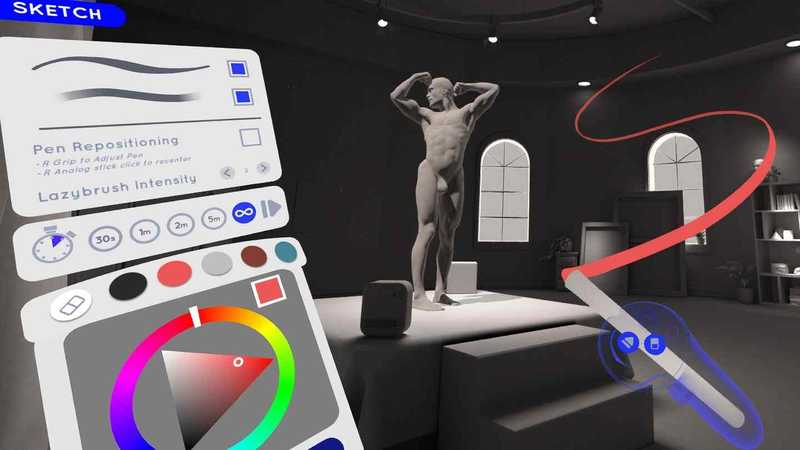
Gesture VR is a life drawing app that gives artists access to over 100 professional character drawing models and full control over the lighting and length of each pose. Gesture VR can be used alone or with up to three friends.
Features
Drawing:
Sketch in 2D on a pad of paper, or in 3D in the space around you. Draw using pressure sensitivity, making lines thicker/thinner and darker/lighter depending on how hard you push. If you make a mistake, use an eraser, or just put it into your work! The paper pad and pencil can be scaled, rotated and repositioned for a more comfortable drawing experience, and left-handed users can also find a toggle in the app settings.
Model:
Gesture VR features over 130 unique poses from over a dozen different models. The poses are 3D scans of real professional models representing different age groups and body types. Turn nudity on and off, and have full control over pose timers, lights, and model rotation.
Studio:
Choose from three environments: Traditional Art Studio, White Void, and Black Void. The traditional studio is modeled after an actual figure drawing classroom, complete with decorations that can be used for learning. The white void is designed with 3D drawing in mind, giving you plenty of space to draw without any dark contrast that can hide lines. Finally, the black void provides a distraction-free drawing experience, emphasizing the silhouette of the model against the black background.
Sketchbook:
Every time you open Gesture VR, a new page is created in your ever-growing sketchbook. You can add or remove pages from this sketchbook and revisit past drawings. Each page stores 2D information on paper and 3D information in the air. To permanently delete the page, press and hold the trash button.
Multiplayer:
In the spirit of a true figure drawing course, you can connect with up to three other artists and paint together from the same model or different models. Use this multiplayer feature to show off your sketches, practice together, share tips and tricks, and most importantly, relax.
Share:
Once your work is complete, it’s time to share it with the world! There are several options; you can take a 2D snapshot with the camera or export the 2D page as a PNG (with or without a transparent background). These images are saved in your images directory for easy sharing online.
Preview video
- $Download for freeDownload after commentDownload after login
- {{attr.name}}:
⚖️ Copyright Notice
If any game resources published on this site infringe upon your legal rights, please contact the administrator to remove the VRGoo website, Site resources are uploaded by users for personal study or testing, research, and use. Without permission from the original copyright author, use in any commercial channels is prohibited!
The resources on this site come from the internet; copyright disputes are unrelated to this site. You must completely delete the above content from your computer or other device within 24 hours of downloading. The user's statement that "does not represent the position of this site" has no relation to the site!
This site is a non-profit site. The VIP features are only for users to like the site, donate and reward, and provide technical assistance services. All content is not commercial activity.
If there is any infringement, please contact: vrgoo.org@gmail.com We will remove the product